



Search Flags Unlimited
How to Submit Your Artwork
Once your artwork is properly prepared and meets all technical specifications, the final step is submitting your files to Flags Unlimited for production. We offer flexible submission methods to accommodate different file sizes and workflow preferences, ensuring your artwork reaches our production team quickly and securely.
Choosing the right submission method depends primarily on your file size. Small to medium files can be conveniently emailed, while larger files require our secure file transfer service. Regardless of which method you choose, always include complete information about your project to prevent processing delays.
File Submission Checklist
Before hitting send on your artwork submission, take a moment to review this comprehensive checklist.
Ensuring all elements are included and properly prepared prevents delays, reduces back-and-forth communication, and moves your project smoothly into production. A complete submission package helps our production team deliver exactly what you envision.
- All fonts outlined or converted to paths: Text elements will not reflow or change appearance
- Linked images included in submission folder: No missing link errors will occur during production
- Colours specified using Pantone Coated values: colour accuracy and reproduction will be predictable
- File format matches requirements (.ai, .eps, .pdf, .psd, or .tif): Production equipment can process files without conversion
- Resolution set to 100 PPI at 100% actual size: Print quality will be sharp without excessive file size
- Special effects removed (shadows, transparencies, overprints): No unexpected visual anomalies will appear in final print
- Sales rep email and job reference included: Files will be routed correctly and matched to your order
Common Artwork Mistakes to Avoid
Even experienced designers sometimes overlook critical details when preparing artwork for large-format flag and banner printing.
Learning from common mistakes helps you avoid delays, additional costs, and disappointing results. Being aware of these frequent pitfalls ensures your artwork sails through production smoothly the first time.
Avoiding these common errors demonstrates professional expertise and respect for the production process. When in doubt, consult the technical requirements or reach out to your sales representative for clarification. It's always better to ask questions before submission than to deal with production issues afterward.
Ready to Create Amazing Flags and Banners?
You now have all the knowledge needed to prepare and submit professional-quality artwork for custom flags and banners. By following these guidelines—using the correct templates, preparing files in the proper formats, managing colours accurately, maintaining appropriate resolution, and submitting complete packages—you'll ensure beautiful, vibrant results that exceed expectations.
Remember, not all artwork is created equally! These recommendations optimize your files for the best possible printing outcomes. Quality preparation on the front end translates directly to stunning flags and banners that represent your brand with pride. Whether you're creating promotional banners for a major event, branded flags for your business location, or custom designs for special occasions, proper artwork preparation is the foundation of success.
Need assistance or have questions? The Flags Unlimited team is here to help. Don't hesitate to contact your sales representative for guidance, template access, or technical support. We're committed to helping you achieve perfect results every time.

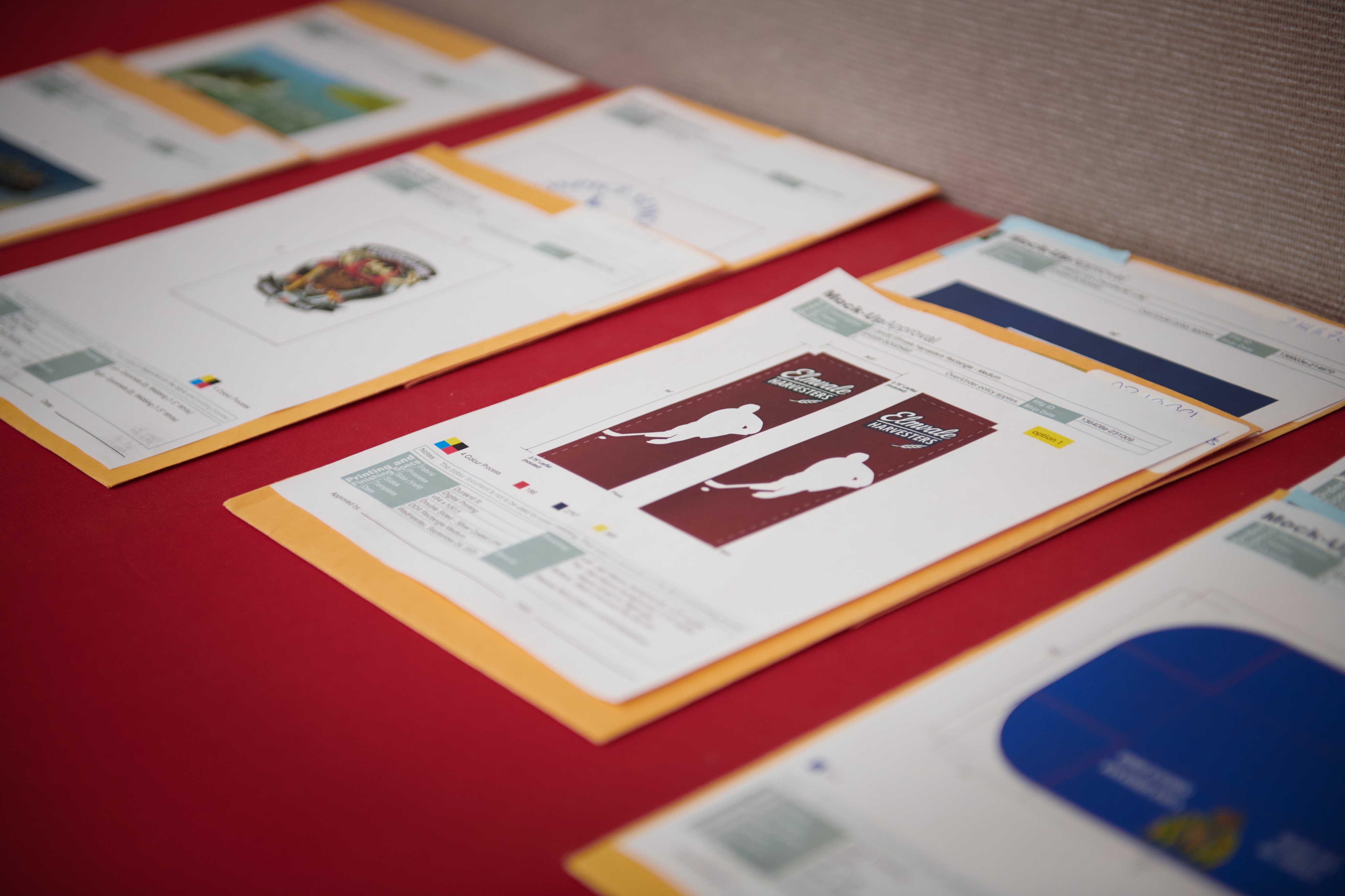
Master custom flag artwork prep! Learn essential steps: using the right template, ideal file formats (.ai, .eps), setting CMYK color space, and the 100 PPI resolution rule for perfect printing.
Subscribe to our newsletter

Barrie, ON L4M 4A5 Canada